Music promo video maker
Your release.
In motion.
Turn your song and artwork into a music promo that feels like you.
Try the promo editorPreview free. Choose a promo for your first free clip.
 Your song.
Your artwork.↘
Actual preview loops · demo releases by fictional artists
Tease the track.Reveal the date.Make release day count.
Built around your release
One cover.
A different attitude.
Start with a look. Change the fonts, textures, colours and motion until it belongs to your song.
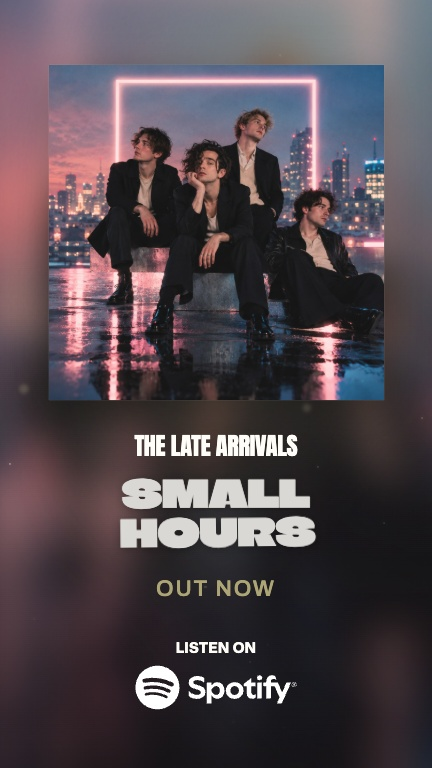
Artwork, front and centre.
Your cover sets the colour. Soft light, space and a clear release message.
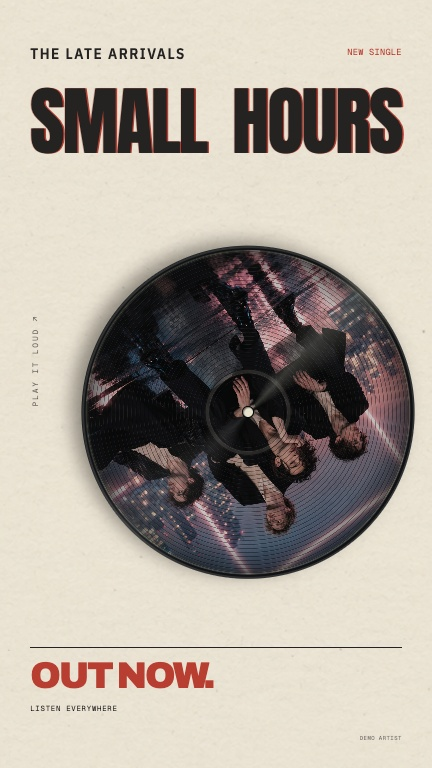
Give your cover a spin.
A picture disc, record grooves and type with the feel of a sleeve.
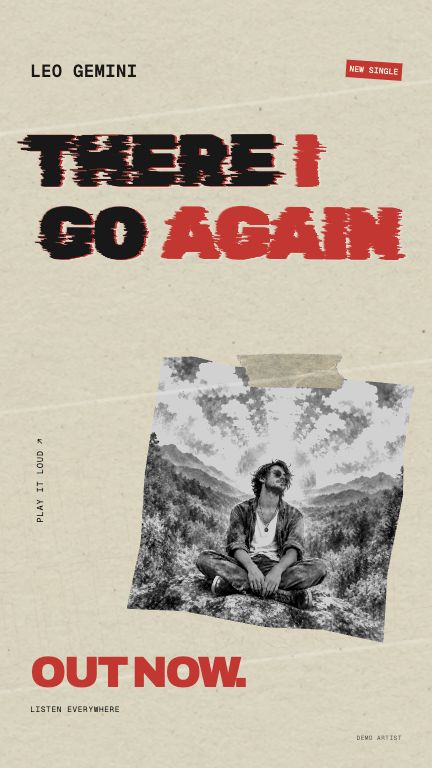
Make some noise.
Torn paper, worn ink and restless type for a release with more bite.
Loops from the actual editor.
The part you want them to hear
Start with your song.
Keep it yours.
- 01
Pick a moment.
Move the clip window to the part of your song you want people to hear.
- 02
Make the announcement.
Add your artist name, release title, date and a Pre-save or Out now message.
- 03
Find your look.
Bring in your cover artwork. Shape the type, background, texture and beat response.
A place for every detail
Made to fit
the post.
Vertical, portrait, square and landscape, each with its own layout. Preview the social overlays as you go.
Try the format controls ↗9:16 · Stories, Reels & Shorts. A loop from the actual editor preview.
Before. During. After.
Give your release
more than one moment.
Build up to Friday.
Keep the song moving.
Two ways to show your song
One song.
One editor.
The lyrics lead in a lyric video. Your artwork and announcement lead in a release promo.
Explore the shared editor ↗There I Go AgainYour songLyric video
Words, timing, lyric styles
Release promo
Artwork, release details, music & social
The same artwork, on Spotify
Your cover.
On repeat.
The short, silent loop behind your song in Spotify, from the same artwork. 9:16, 3 to 8 seconds.
Make a Spotify Canvas ↗A Canvas download is 150 credits.

A few good questions
Before you
press play.
What is a music promo video?
A short video built around a release: your song, artwork, artist name and a message such as Pre-save or Out now. Use it to introduce a single, EP or album.
How is this different from a lyric video?
A lyric video follows the words of your song. A music promo puts the artwork and release message first. Both belong to the same editor, with different controls for each.
Do I need lyrics?
No. Choose the part of your track you want to feature and add your own release details. Instrumental tracks can have promos too.
Can I use my own cover art?
Yes. Upload your cover, then customise the colour, type, texture and movement around it.
Can I make a pre-save announcement?
Yes. Choose Pre-save or Coming soon, add the date and make the wording your own. Listening badges appear only for Out now.
How do promo downloads work?
One format costs 150 credits. The full format pack is 250 credits for the same design and song clip in all four formats. Your first free clip can be a release promo or a lyric clip.
Your next release
Give it a look.
Make it move.
Try the promo editor Your song. Your artwork. Your release.