What’s free?
Your first vertical lyric clip is free to download, with a small Made with lyrik.fm credit. New accounts also get 5 free syncs, valid for 90 days (one welcome per person). A sync is one track lined up to its lyrics. Once your video is created, every style change and preview is free. After your free syncs, each new sync costs 10 credits; videos and further clips are paid for from your credit balance. The optional tools cost a few credits each (removing text from your cover is 5, four new backgrounds 10), and we show the price before you use one. Paid credits never expire.
Is there a watermark?
Previews are marked PREVIEW. Paid downloads have no watermark, logo or end card. Your free clip has a small Made with lyrik.fm credit.
Do you use AI?
Your video isn’t made by AI. Our styles are designed by people, and you make every choice. A few optional tools, like removing text from your cover or making a background, use AI to help, and they’re always your call. Machine learning also finds your vocal, writes out your lyrics when you ask it to, and helps time the words. You can check every one.
What do I get?
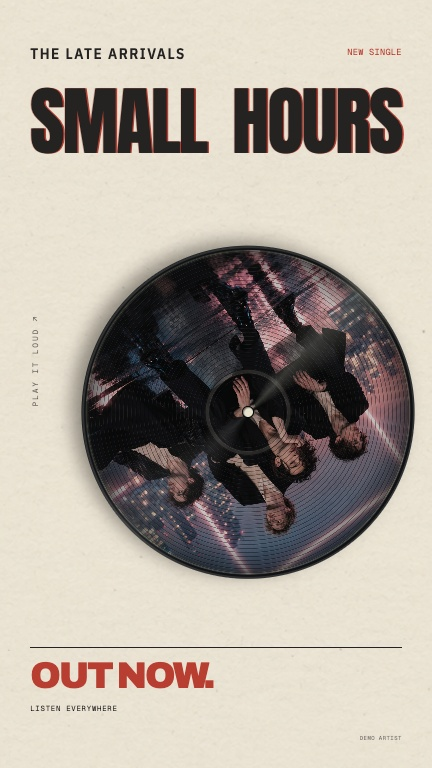
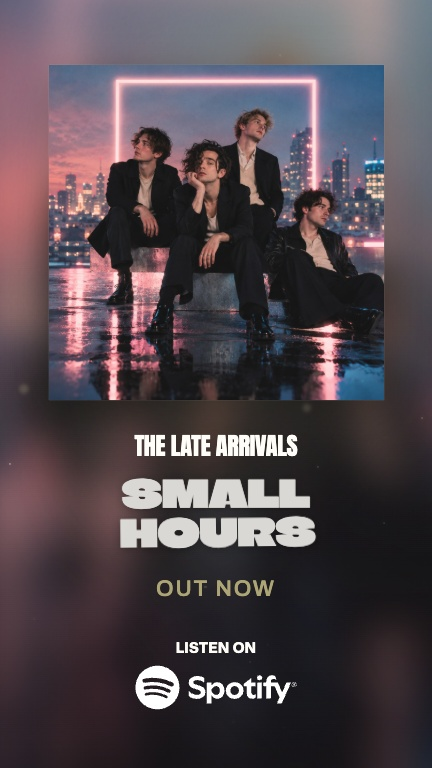
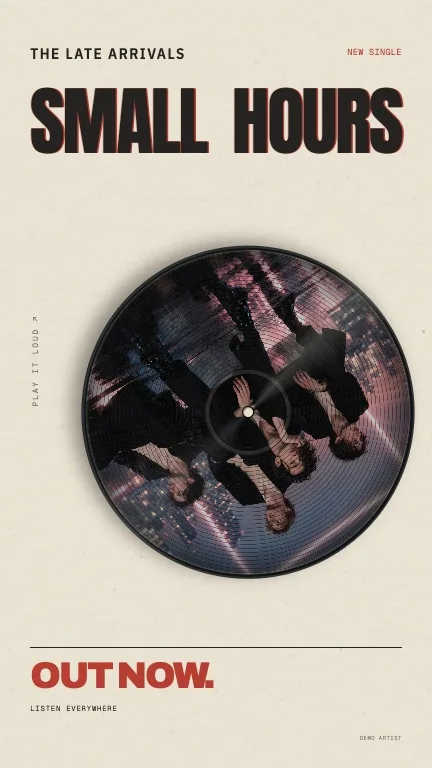
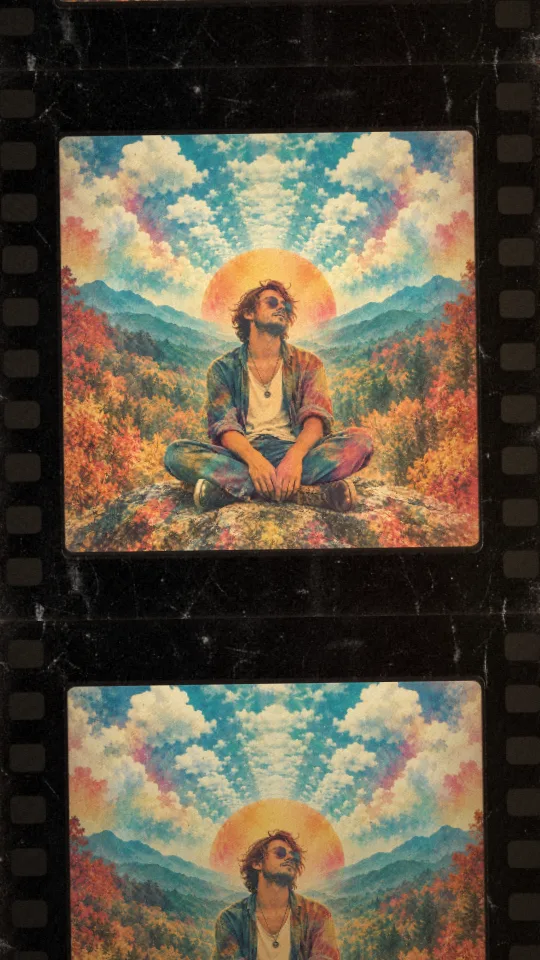
A 16:9 video in HD (1920 × 1080) or 4K (3840 × 2160), a 9:16 clip up to 60 seconds for Reels, TikTok and Shorts, SRT and LRC captions, and a YouTube title, description and chapters.
Which languages work?
Lyrics in the Latin alphabet: English, Spanish, French, Portuguese, German, Italian, Dutch, Tagalog and more. Some languages need a quick tap-through to check the sync. Right-to-left scripts and other writing systems aren’t supported at the moment.
Do I need to own the song?
Yes. You need to own or control the recording and the lyrics, or have permission from everyone who does.
Can I make one on my phone?
Yes. It runs in your browser on a phone or a computer, with nothing to install. Previews play live on your device, and syncing and final videos are made in the cloud.
What do I need before I start?
Your finished audio file and an account. Paste or find your lyrics, add your cover if you have one, then create. Check the words any time in the studio.
Can I check the words and timing?
Yes. Open Check the words in the studio any time. Select a word to change it, delete it or move its timing, then replay the line to check.
Can I try different looks before exporting?
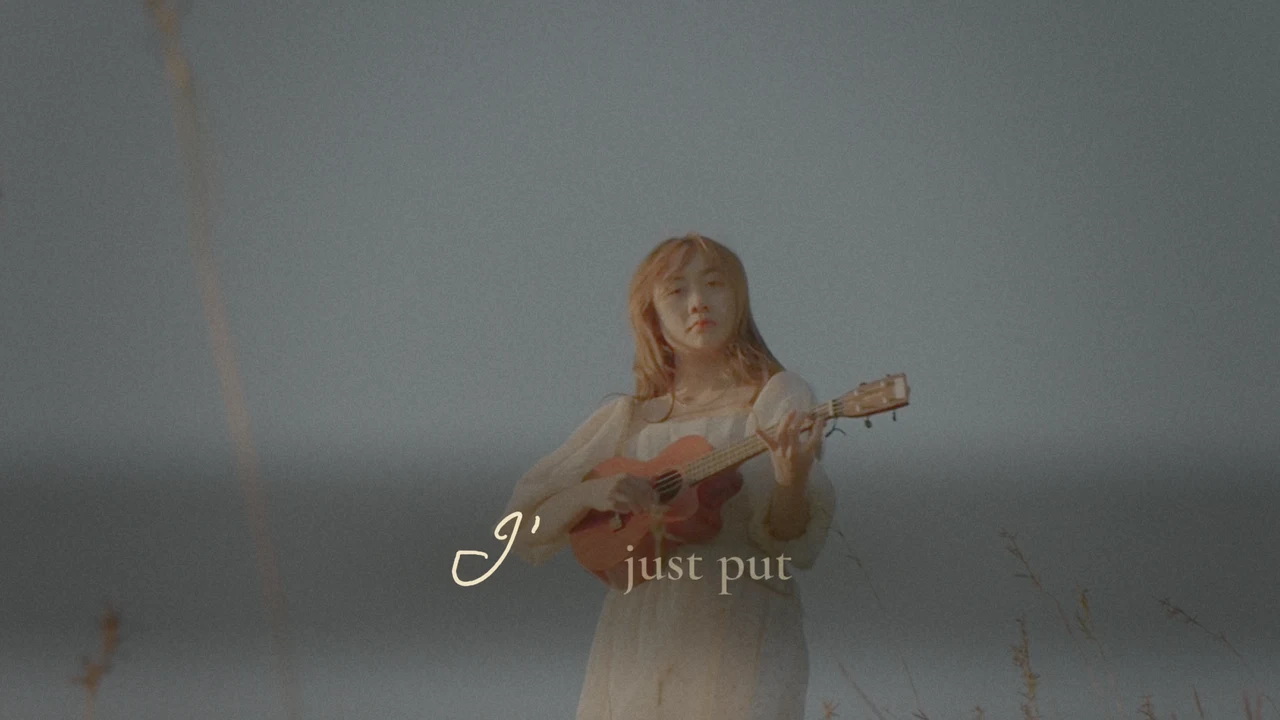
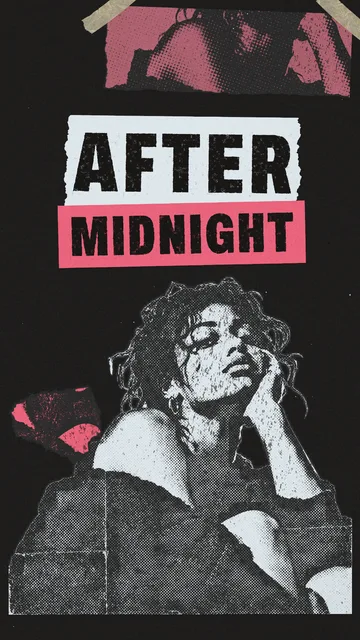
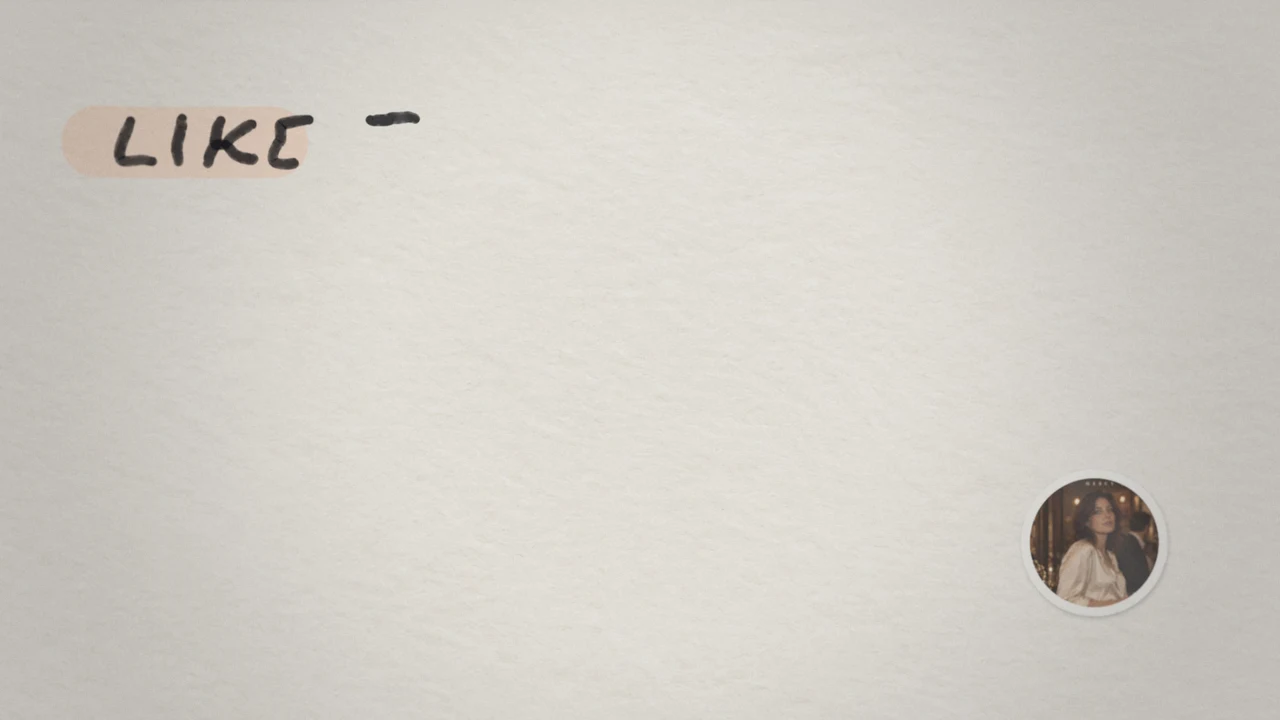
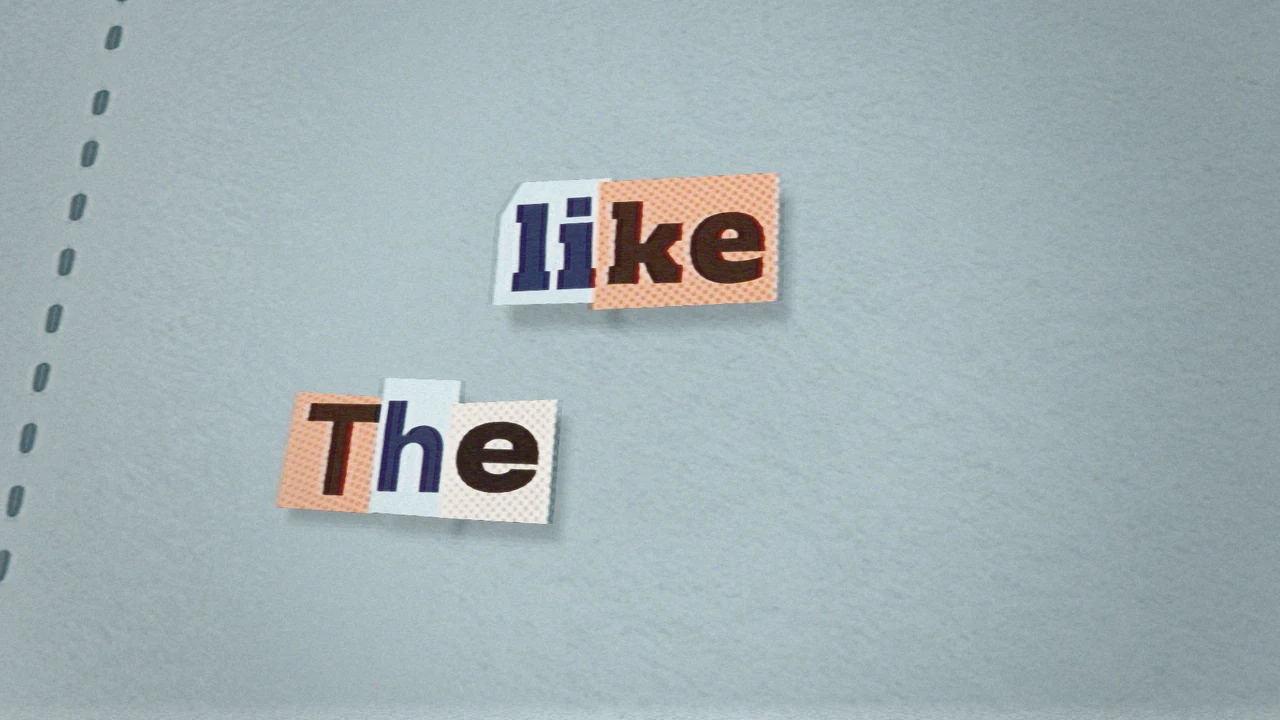
Yes. Once your video is created, you can change the style and its fonts, colours and layout, and preview every change. Style changes and previews don’t use more credits.







 +