Lose the lettering.
Remove text clears a title from the tall crop. You see the cost first.
Your artwork. In motion.
The short looping visual behind your song in Spotify. Made from your own artwork.
Start creating— it’s freePreview free. Download your Canvas for 150 credits.
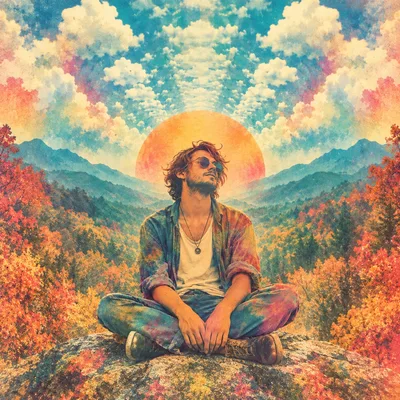
Illustrative player. Demo artwork.
9:16 Made for a tall screen
3 / 5 / 8 sec Find the right rhythm
Silent MP4 Ready for Spotify for Artists
Same artwork. Different feeling.
We design the movement, materials and light. You pick what feels like the song.
Your cover, pressed into something physical.
Printed colour. Worn film. An endless feed.
Previews of our own demo artwork, muted.
One song. One place.
Your cover, photos and video loop carry across all three, in one editor.
A little care goes a long way
Remove text clears a title from the tall crop. You see the cost first.
With a clean cut-out, the subject and the background move apart.
Prepare once for 20 credits. Camera and finish changes reuse the scene.
Keep the feeling. Change the viewpoint.
Prepared demo artwork, with a gentle camera move.
Your subject stays. The world behind it moves.
Start with what is already yours
Its cover, photos or video loop.
Try a designed look. Adjust the crop, movement and texture.
Preview a few repeats, then download.
Before you start
A Spotify Canvas is a short, vertical visual that loops in the Now Playing view while someone listens to your track. It is separate from a music video or a social promo.
Yes. Start with your cover, then try camera movement, light, print and film treatments. Subject looks appear when we can use a clean cutout.
Spotify asks for a vertical 9:16 visual lasting 3 to 8 seconds, between 720px and 1080px tall. lyrik exports a silent H.264 MP4 at 540 × 960, with a choice of 3, 5 or 8 seconds.
Relevant artistic text can be allowed, but Spotify recommends avoiding repeated track and artist names. Promotional text, web addresses, sales messages and calls to follow are not suitable. Keep the artwork as the focus.
A silent MP4 of the Canvas you previewed, ready to add in Spotify for Artists. Your purchased Canvas stays with your song for free re-downloads. Depth scenes are still coming soon.
You can preview free. One Canvas download costs 150 credits. Re-download the same Canvas free; a different design is a new purchase. Your first free clip is separate. Optional artwork preparation shows its cost in syncs before you confirm.
Upload through Spotify for Artists, not the listener app. You need the right artist access and an eligible track. On the web, choose Music, your track, then Add Canvas. Always check Spotify’s current instructions.
Checked against Spotify’s guidelines, content policy and upload instructions.
Spotify is a trademark of Spotify AB. lyrik isn’t affiliated with Spotify.